The Password Is Only the Start: Hardening UK IP Camera Estates in 2026
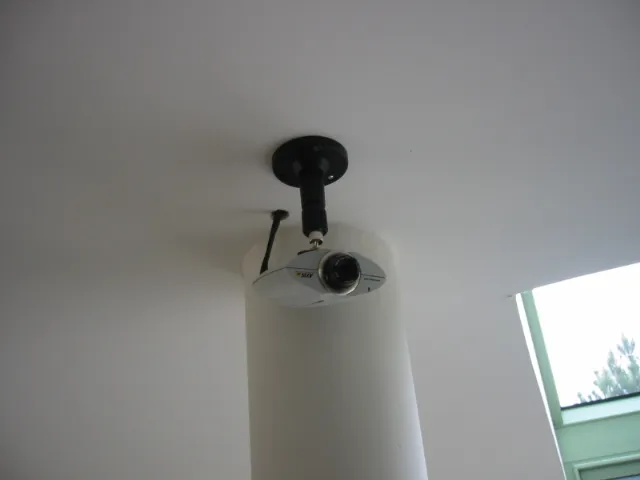
Photo: No machine-readable author provided. Arnaud 25 assumed (based on copyright claims)., CC BY-SA 3.0, via Wikimedia Commons
IP cameras have become the quiet workhorses of UK security estates, but they are also among the most exposed devices on the network. A camera installed to watch a door, a yard or a loading bay can become the weakest link if it is left with factory credentials, outdated firmware or an open route to the internet. In 2026, cyber resilience is no longer a back-office concern for the IT team. It belongs in the specification, the installation method and the handover pack.
Why camera cyber risk is now a trade specification issue
The commercial case is straightforward. A compromised camera can be used as a foothold for lateral movement, a source of unauthorised video access or a node in a botnet. For the installer, the reputational risk is just as real. Trade buyers are increasingly asked by end clients to demonstrate that devices were procured with security in mind, not merely patched after commissioning. That shifts the conversation from features and frame rates to credentials, firmware support and network behaviour.
Reading the UK regulatory backdrop correctly
The Product Security and Telecommunications Infrastructure regime sets minimum expectations for consumer connectable products sold in the UK. It requires no universal default passwords, a public vulnerability disclosure route and transparency about support periods. The regime is not a complete cyber certification scheme, and it does not remove the need for professional configuration. It does, however, give trade buyers a useful baseline: if a manufacturer cannot evidence these basics, the product should not be specified for a professional installation.
Installers should also look to ETSI EN 303 645 as a practical reference point and to the manufacturer's security advisory page as a living document. A stated update period matters more than a one-off certificate. Cameras are typically deployed for five to ten years, so the support horizon should match the intended service life, not just the warranty term.
Secure-by-design procurement: questions before the order
A secure camera estate starts with the purchase order. Before specifying a model, ask whether it ships with unique credentials or forces a password change at first boot. Check whether firmware is signed and whether updates can be applied remotely without exposing the device. Confirm that the manufacturer publishes security advisories and operates a disclosure process. Look for encrypted local storage, TLS support, configurable account roles and the ability to disable unused services such as Telnet, UPnP and unsecured discovery.
For integration, confirm ONVIF conformance and test it with the chosen VMS rather than relying on the logo. Ask how the device behaves when the network is unavailable, whether it can record to edge storage and whether that storage is encrypted. These details influence both cyber exposure and operational resilience.
Network segmentation without overcomplicating the job
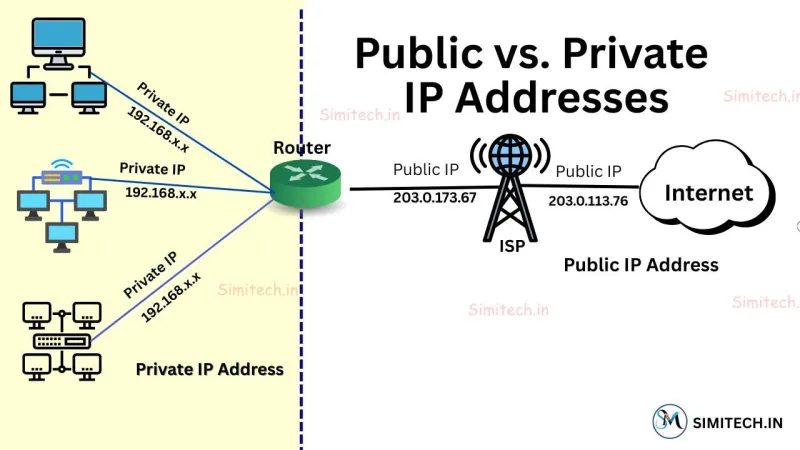
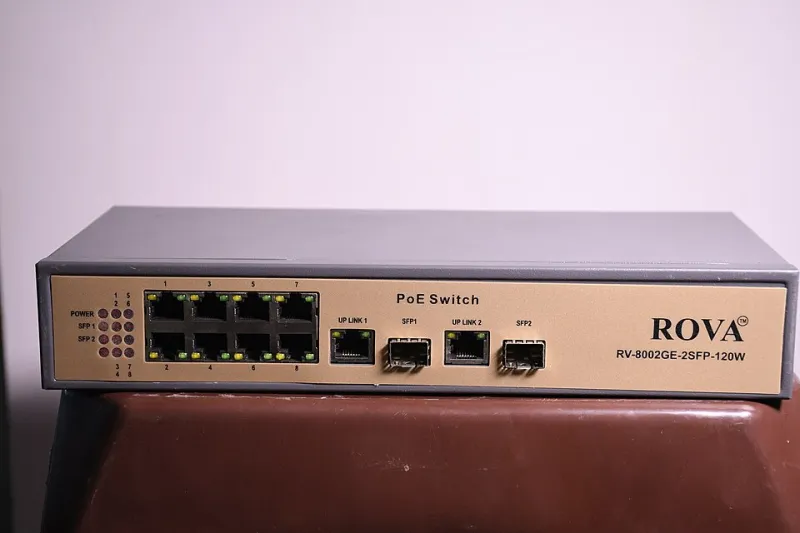
The most effective control is often the simplest: keep cameras off the general business network and away from direct internet access. A dedicated CCTV VLAN, a firewall policy that permits only required traffic, and a managed switch with port security will prevent most opportunistic attacks. Disable port forwarding. Avoid exposing the NVR or camera web interface to the public internet. Where remote access is required, use a VPN or a managed remote-access service with multi-factor authentication.
Document the addressing plan and reserve IP addresses for cameras. Enable 802.1X where the network supports it, or at least apply MAC-based port security. Restrict camera-to-camera traffic and allow only the video management server and authorised admin hosts to reach the device management interface. These measures are not exotic; they are standard practice and should be priced into the installation.
Firmware lifecycle is an operational commitment
Firmware is not a one-off commissioning task. A camera estate needs an asset register with model, firmware version, install date, IP address and support end date. Staged updates should be tested on a small group before wider rollout, with a rollback plan. Where the VMS supports firmware management, use it to schedule and audit updates. Where it does not, agree a maintenance visit or remote maintenance arrangement.
End-of-life planning is part of the same discipline. If a manufacturer stops issuing security updates, the device should be replaced or isolated behind a compensating control. Trade buyers should ask for a written support statement at procurement and revisit it annually.
A practical hardening checklist for installers
- Change every default credential before the camera is connected to the live network.
- Create named accounts with least privilege; do not share an administrator login across sites.
- Disable unused services, including UPnP, Telnet, FTP and unsecured HTTP where HTTPS is available.
- Apply the latest stable firmware, then record the version in the asset register.
- Place cameras on a dedicated VLAN with firewall rules that permit only required traffic.
- Remove direct internet exposure and any port-forwarding rules.
- Use a VPN or managed remote-access service with multi-factor authentication for off-site access.
- Enable encrypted storage where the camera or NVR supports it.
- Configure time synchronisation and log retention for audit purposes.
- Set up email or SNMP alerts for firmware advisories, storage failure and tamper events.
- Test the analytics and recording path after each firmware update.
- Provide the client with a handover pack covering credentials, network diagram, support dates and update process.
Handover is part of the security specification
A hardened system is not finished at commissioning. The client needs a clear record of what was installed, how it is segmented, who can access it and how updates will be managed. That record protects the installer as much as the end user. In 2026, a camera that cannot be updated, audited and isolated is not a bargain; it is a liability waiting for a maintenance window.